Not every cell phone has a state-of-the-art camera, but current technology already allows us to achieve pretty cool results in photos. With so many editing apps out there, you can fix any imperfection, adjust the light and contrast, add some cool filters, and even use artificial intelligence to give it that professional touch. Check out these seven options that can make your photos look much better, no matter what kind of phone you have. Many of them have free and paid versions, with tools ranging from basic to advanced.
Main Highlights
- VSCO is famous among content creators, allowing them to adjust exposure, saturation, and sharpness with filters inspired by classic films.
- Adobe Lightroom offers precise control over light and color, as well as tools for removing blemishes and blurring the background.
- Google's Snapseed is versatile and good for beginners, with tools for brightening, removing objects, and adjusting colors.
- PicsArt is a complete editor that allows you not only to edit, but also to draw and create collages, with many tools and filters.
- Dazz Cam focuses on a retro look, simulating analog cameras with grain and light leak effects.
1. VSCO
VSCO is that app everyone's talking about, you know? It's super popular, especially among those who like a more artistic look in their photos. It's free, but it has some paid features that add an extra touch if you want.
What's great about it is that you can adjust a lot of things: brightness, contrast, color, sharpness… the basics to get the photo exactly how you want it. But what really stands out are the filters. They have filters that mimic those old cameras, you know? It gives a kind of vintage, very cool vibe. If you have a fashion, beauty, or even a restaurant business, you can use VSCO to give everything that Pinterest look, which attracts a lot of people.
VSCO also functions as a social network. You can follow other people, see what they post, and even publish your own photos there. It has a "Discover" tab that shows you cool stuff based on what you like.
Here are some things you can do on VSCO:
- Adjust brightness and contrast
- Adjusting the saturation and sharpness
- Apply filters inspired by classic films.
- Save your favorite edits
- Share directly to Instagram or other social networks.
It's a great option for those who want to enhance their photos without any hassle.
2. Lightroom
Ah, Lightroom! If you're serious about photo editing, it's almost impossible not to come across it. It's like the Swiss Army knife for photographers, you know? Especially for those who deal with a lot of photos. Adobe has two main versions: Lightroom Classic, which is more desktop-focused and has more robust file management, and Lightroom (sometimes called CC), which is more cloud-based and synchronizes everything between your computer, phone, and tablet. For those who edit a lot on the go, CC is a lifesaver. Classic, with its more robust library management, tends to be the favorite of professionals who want to keep everything organized on their computer.
One thing that makes Lightroom shine is its non-destructive editing. This means that no matter how much you edit the photo, the original file remains intact. It's like having a time machine for your edits. You can go back, change everything, or even undo completely without ruining the image. That's pure gold!
Many people wonder if they need Photoshop as well. Most of the time, yes. Think of it this way: Lightroom takes care of the heavy lifting, like organizing everything and making general adjustments to exposure, color, and cropping. Photoshop comes in for those more detailed tasks, like fine skin retouching, removing that annoying object from the background, or creating something completely new. They complement each other, they don't compete.
Lightroom is essential for anyone who wants an organized workflow and efficient editing.
Organization
- RAW Edition
- Color and light adjustments
- Library management
- Export
Lightroom is the command center for most photographers. It not only allows you to make incredible adjustments to your photos, but also helps you avoid getting lost among thousands of files. It's the foundation for professional and organized work.
3. Snapseed
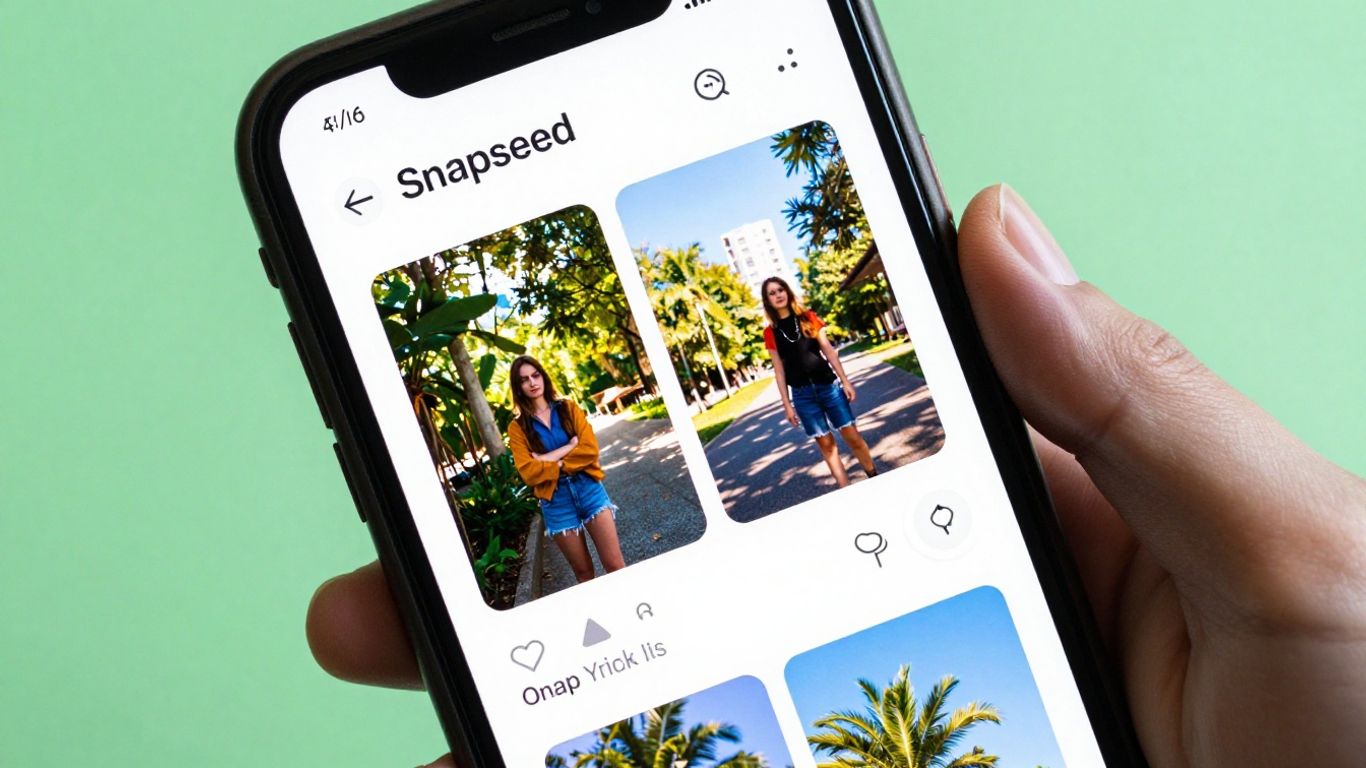
You know that app that looks simple but hides a bunch of powerful tools? That's Snapseed. Developed by Google, it's completely free and, best of all, ad-free. You can do everything from basic light and color adjustments to more advanced things like editing RAW files.
Snapseed is great for those who want complete control over editing. It has a lot of options:
- Fine-tuning: Adjust the brightness, contrast, saturation, and so on, with very precise control.
- Selective Brush: Want to brighten just a part of the photo? Or darken a specific detail? With the brush tool, you can apply adjustments only where you want.
- Object Removal: You know that annoying lamppost that popped up right in the middle of your perfect photo? Snapseed has a tool to remove those things without leaving a trace.
- Curves: For those who prefer more technical control, tone curves allow for very detailed adjustments to exposure and contrast.
- Filters and Textures: It has everything from classic filters to options for adding grain or blur.
Snapseed is one of those apps that you download to try and end up using all the time. It's super complete and, being free and ad-free, it becomes an easy choice for anyone who wants to edit photos on their phone without complications.
4. PicsArt
PicsArt is that app everyone's heard of, right? It's super complete and goes way beyond just applying a filter. Imagine a place where you can edit photos, create amazing collages, draw on top of images, and even make animations. It's like an art studio on your phone.
One cool thing about PicsArt is that it has a lot of free tools that are amazing. You can crop, rotate, adjust colors, but it also has more advanced options like removing backgrounds or adding effects that look like they came straight out of a movie. For those who like to personalize their photos, PicsArt offers a huge variety of stickers and text to use. It's a lifesaver for anyone who wants their photos to stand out on social media.
PicsArt is a platform that truly gives you creative freedom. It's not just about adjusting the light or color; it's about transforming your photos into something completely new and personal. It encourages you to experiment and not be afraid to mix elements.
If you're a beginner and want to edit your photos without spending any money, PicsArt is a great option. It has a very active community, so there's always new inspiration and tutorials to help you use all the features. You can do a lot of cool things without paying anything, but if you want even more options, there's a paid version that unlocks everything. For those who want to delve deeper into editing, it's worth checking out the... basic tutorials which teach you how to use the main tools.
5. Dazz Cam
If you like that old-school camera look, you know, with grain, slightly faded colors, and that date printed in the corner of the photo, Dazz Cam is for you. It really imitates the disposable and film cameras we used to use, you know? It's super simple to use, you choose the filter that looks like a specific camera and that's it. There's not much complication, which is great for those who don't want to spend hours editing.
The cool thing is that it delivers photos with that retro vibe that's super trendy right now. Think travel photos, moments with friends – everything gains a special charm. It's as if you took the photo with a camera that has a history. For those who want to add a touch of nostalgia to their photos without complication, Dazz Cam is a sure choice. It helps you create images with a unique aesthetic that goes beyond pure digital. If you want to know more about how to use the app, there's a... complete guide which can help you get started.
6. Tezza
If you like that more... aesthetic With a lifestyle vibe, Tezza is a great option. It offers filters that add an elegant touch to everyday photos, you know? It's super easy to use; you can apply some ready-made filters that already give it a boost, but you can also adjust the brightness, focus, and saturation if you want to add a more personal touch. It's great for anyone who wants their everyday photos to look more professional without having to rack their brains.
Tezza is great because it doesn't force you to choose between a pre-made filter or manual editing. You can start with a filter you like and then fine-tune the details. It's like having the best of both worlds, you know? For those who post a lot on social media and want to maintain a cool visual identity, this app is very helpful in achieving that.
7. Prequel
If you enjoy a bolder and more creative look in your photos, Prequel is the app you've been looking for. It's famous for its effects reminiscent of old movies, the VHS style, and even a futuristic touch. It's like having a special effects studio in your pocket.
Prequel isn't just about filters. It gives you the chance to play with textures, distortions, and colors in a way that few others can. You know that photo that needs something extra to grab attention? Prequel probably has the right tool.
It's perfect for those who want to stand out from the crowd and add an artistic and unique touch to their images.
Some of the effects you'll find there:
- VHS effects for a retro look.
- Cinematic filters for a film-like feel.
- Distortions and textures for an experimental look.
- Color adjustments that completely change the mood of the photo.
Prequel is a lifesaver for anyone who wants their photos to stand out, especially on social media. It helps you create a strong visual identity without complications.
So, ready to boost your photos?
Well, we've reached the end of our list! See how you don't need to be a Photoshop expert to give your photos that professional touch? With these apps, you can correct that not-so-great lighting, enhance the colors, or even apply filters that make all the difference. The best part is that most have free options that already solve a lot of problems. So, what are you waiting for? Download one, test it out, have fun, and then tell us which one became your favorite! Let's make those photos shine!
Frequently Asked Questions
Do I need to pay to use these apps?
Many of these apps offer free versions with great tools to get you started. Some more advanced features or special filters may require payment, but the basic functions are usually enough to make your photos look amazing.
Which app is best for beginners?
For beginners, Snapseed is a great option. It's easy to use and has many tools that help you understand photo editing, such as adjusting brightness, color, and even removing unwanted elements from photos.
I want a more vintage look, which app should I use?
If you like a retro style, the Dazz Cam is perfect! It imitates old cameras, with those dated and grainy effects that give it a special charm.
Can I use these apps on my phone?
Yes! All the apps mentioned were designed to be used directly on your mobile phone, whether Android or iPhone. This way, you can edit wherever and whenever you want.
What is the difference between VSCO and Lightroom?
VSCO is known for its stylish filters, reminiscent of old films, and its community. Adobe Lightroom, on the other hand, is more focused on precise adjustments of light and color, making it great for those who want total control over editing.
Do these apps really make a difference in photos?
Absolutely! Even with your phone's camera, these apps help correct colors, lighting, remove minor imperfections, and add an artistic touch. Your photos will look like they were taken by a professional!