If you enjoy discovering new things on your Android, you'll love this list. There are many free apps on the Play Store that few people know about, but that can greatly simplify your daily life. Some help organize notifications, others transform the way you create posts, or even scan documents directly from your phone. I've selected seven apps that are trending right now. Take a look and see if any of them match your needs.
Key Points
- There are many free apps on the Play Store that may surprise you with their usefulness.
- Tools like V Flat and Notification Widget make everyday tasks easier and less complicated.
- Design apps, such as Posters and Canva, bring professional features to anyone.
- With Google Opinion Rewards, you can earn rewards just by answering quick surveys.
- Customizing Android just got easier with apps like Volume Styles and Notifya.
1. V Flat
You know when you need to scan a document or even an entire book, but you don't have a scanner nearby? Well, V Flat solves that for you in a very practical way, using only your cell phone's camera. Just point, take the picture, and the app works its magic to transform everything into a high-quality digital file. It's smart and automatically enhances the images, you know? You can scan one page at a time or even two, which is great for those who work with books.
The great thing is that you can save everything as a JPG, PDF, or even text, and send it directly to your computer or save it to your gallery. It's a lifesaver for anyone who needs to organize papers or study.
Sure, the free version has its limitations, such as the number of PDF shares. But if you really like it, there are paid options that unlock more features, such as text recognition and the ability to create files in other formats. Even so, the free version is already a huge help!
OV Flat is the kind of app you didn't even know you needed, but once you use it, you can't live without it. Perfect for those who want convenience and don't want to spend money on a scanner.
2. Posters
Do you ever need to create a cool social media post, a quick banner, or even an invitation, but you have no idea where to start? The Posters app can be your new best friend in those situations.
It's basically a graphic design studio that fits in your pocket. The great thing about it is that it comes with a bunch of ready-made templates for everything you can imagine: Instagram posts, Facebook covers, YouTube thumbnails, flyers, business cards… the list is long. And the best part: all these templates are super easy to edit. You can change the text, the colors, add your own photos and make it your own.
If you don't want to use a template, no problem! Posters also allows you to create your artwork from scratch. It has a very intuitive image editor, with lots of cool fonts, stickers, and even GIFs to add that special touch.
The app is free to download from the Play Store, but, like many good things, it also has paid options. These extras can cost between R$ 4.99 and R$ 214.99, if you want to further enhance your creations. It's a lifesaver for those who need a professional look without complications. Take a look at how... to facilitate the management of social networks with simple graphic design tools.
3. Volume Styles
You know that volume bar that appears when you press the volume up or down buttons on your Android phone? Well, with Volume Styles, you can customize its look and make it your own. It's a very straightforward app, you download it, grant the permissions it asks for, and you can start playing around with the options.
The cool thing is that you can change a lot of things. Want to change the color of the control? You can do that. Want it to appear in a different place on the screen? You can do that too. And it doesn't stop there: you can adjust the size, the shape of the corners, and even the type of slider control. If you like to see how things work on other systems, Volume Styles even simulates the appearance of the iPhone's volume panel, for example. It's a way to give your device a new look without any hassle.
Beyond the visual aspect, it also allows you to tweak some functions. For example, you can adjust the automatic brightness and even set a short wait time after holding down the volume button before the sound changes. It's these small customizations that make a difference in everyday use.
Volume Styles is one of those apps that shows how small changes can make the experience of using your cell phone more enjoyable and personalized.
The free options are already pretty good, but if you want to go further, there's the option to buy extra features. The prices are very affordable, ranging between R$ 3.79 and R$ 28.99 per item, so you can upgrade without spending too much.
4. Notifya
Do you know that feeling when something happened and you didn't notice? Notifya could be your new best friend for that. It's an app that uses your phone's microphone to detect when a door opens nearby. Yes, you read that right! It picks up air pressure waves, even with background noise like music or TV.
What is this useful for in practice? Think about using it in your store to know when a customer enters, or at home to make sure the children aren't opening doors without permission. It works like a discreet 24-hour security guard. All events are recorded in a log, with date, time, and sound intensity, for you to check later.
Notifya is an interesting tool for those seeking a little more control and security in their daily lives, functioning like an extra pair of ears.
The basic functions are free, but if you want more features, there's a Pro version with some in-app purchases that are worth checking out.
5. Google Opinion Rewards
You know when you have an opinion about something and think, 'Wow, they could really pay me for this'? Well, Google Opinion Rewards does exactly that! It's a super simple app where you answer quick surveys and, in return, earn credits. These credits can be used directly in the Google Play Store., This is great for those who enjoy buying games, movies, books, or even subscribing to services like YouTube Premium without spending any money out of their own pockets.
Surveys often appear somewhat randomly, but there's a trick: visiting places like shopping malls and large stores can increase the chance of them appearing. Google wants to know what you think about your shopping experiences and services. It's important to be honest in your answers, because if Google realizes you're just marking anything, it might stop sending you surveys. It's an easy way to turn your opinion into something useful, you know? A way to give feedback and even get rewarded for it. If you want to give your opinion and also earn some money to spend in the store, it's worth checking out... Google Opinion Rewards.
6. Notification Widget
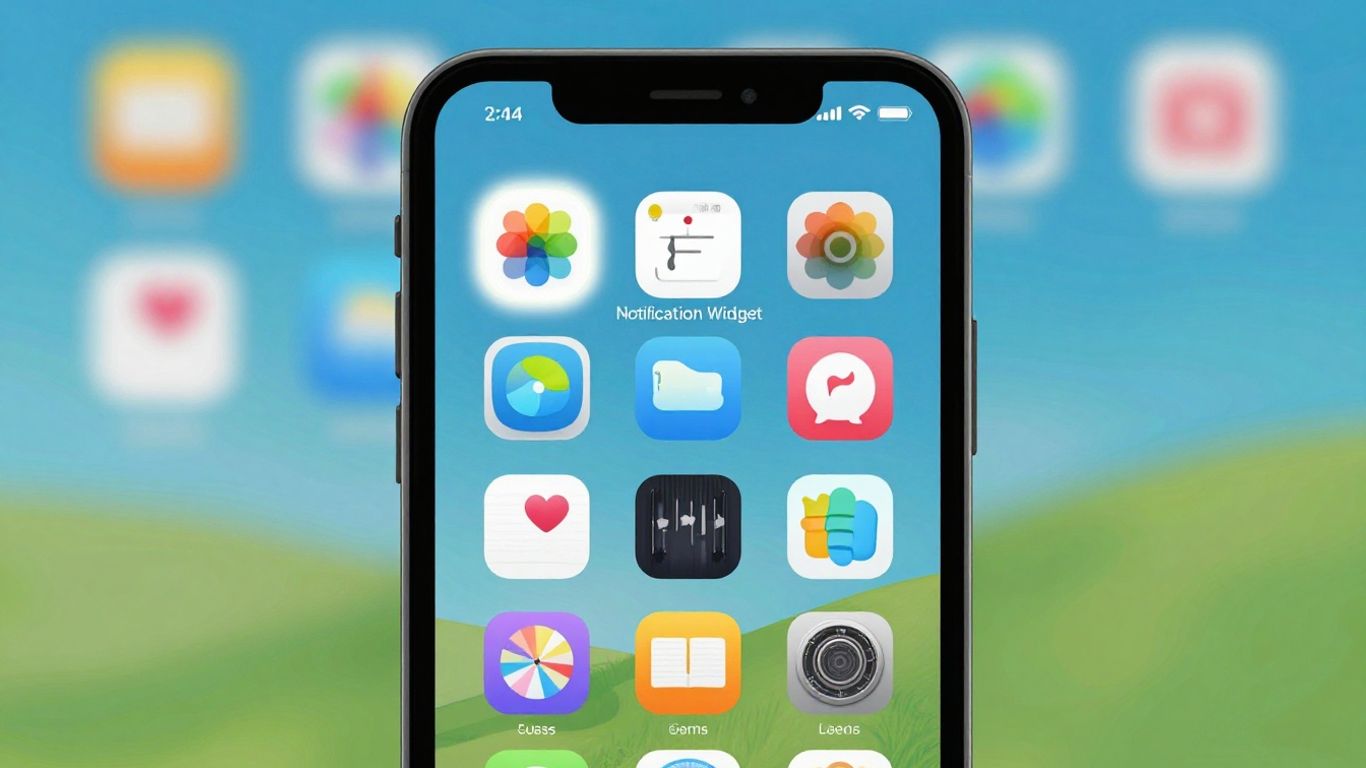
You know when you get lost in the sea of notifications that arrive on your phone? Well, the Notification Widget is here to fix that. It functions as a widget that sits on your home screen and gathers all the notification history you've received. That way, you no longer need to hunt for that important notification that disappeared.
Besides organizing the mess, the app lets you customize everything. Want to change the colors, format, or size of the alerts? No problem! You can make everything your own. And the best part: you can close notifications directly from the widget or open the original app with a tap. If you need to find something specific, you can even do a text search. It's a lifesaver for those who constantly receive a lot of alerts and want more control.
For those who like to have system data readily available, it can be a good complement to a system widget.
The app has the main functions for free, but if you want to enhance it even further, there are paid options starting at R$ 18.99.
7. Canvas
If you enjoy creating visual things, like social media posts, presentations, or even a poster for an event, Canva is the place for you.
This app is a lifesaver for anyone who isn't a professional designer but wants their creations to look great. It comes with a bunch of ready-made templates for you to use; just choose the one that best suits your needs and start editing.
The best part is that you can do everything directly on your phone, without any complications.
What you can do with Canva:
- Create posts for Instagram, Facebook, Twitter, etc.
- Develop more engaging slide presentations.
- Create resumes and business cards.
- Edit photos and add text.
- Create short videos.
It's one of those apps that you download and think, "How did I live without this?". It has a free version that already does a lot, but if you want access to more templates and features, there are paid options. Even so, the free version is already super complete for anyone who wants to give a... up in the visual aspect of your ideas.
So, did you like the tips?
Well, we've reached the end of our list of apps that are trending on the Play Store. We know there's a lot of good stuff out there, and the best part is that most of these tools are free to download and use. The best part is that there's always an app to lend a hand, whether it's to organize your life, boost your creativity, or even earn some extra money by answering surveys. So, the tip is: take a look around, test what caught your attention, and see how these little gems can make your day-to-day life easier. Who knows, you might discover your new favorite app?
Frequently Asked Questions
What are these apps and why are they useful?
These apps are amazing tools that you can download from the Play Store. They help make various daily tasks easier, from organizing your photos to creating cool designs for social media. You probably don't even know many of them exist, but they can make a big difference in your routine.
Are all these apps really free?
Yes! Most of these apps offer full functionality at no cost. Some may have paid options for extra features, but what you need to get started is already available for free. Just download and use!
How does Google Opinion Rewards work to earn money?
Google Opinion Rewards gives you small cash rewards (credits) for answering quick surveys about your habits and opinions. You can use these credits to buy games, movies, or even subscriptions in the Google Play Store. It's like getting paid to give your opinion!
What does the V Flat do that's so special?
OV Flat is like having a scanner on your phone! It allows you to take photos of books or documents, and the app transforms those images into high-quality digital files, such as PDFs. It's perfect for anyone who needs to scan materials without owning a real scanner.
Is it difficult to use apps like Posters or Canva?
Absolutely not! These apps are designed to be easy to use, even for non-designers. They offer ready-made templates that you only need to edit a little, or simple tools to create something from scratch. It's great for making beautiful social media posts without any hassle.
How can I choose which apps to download?
The best thing to do is think about what you need most. Want to organize your finances? Try a financial control app. Need to create images? Try a design app. Start by downloading one or two that catch your eye and see how they fit into your daily life. The Play Store has many good options!